
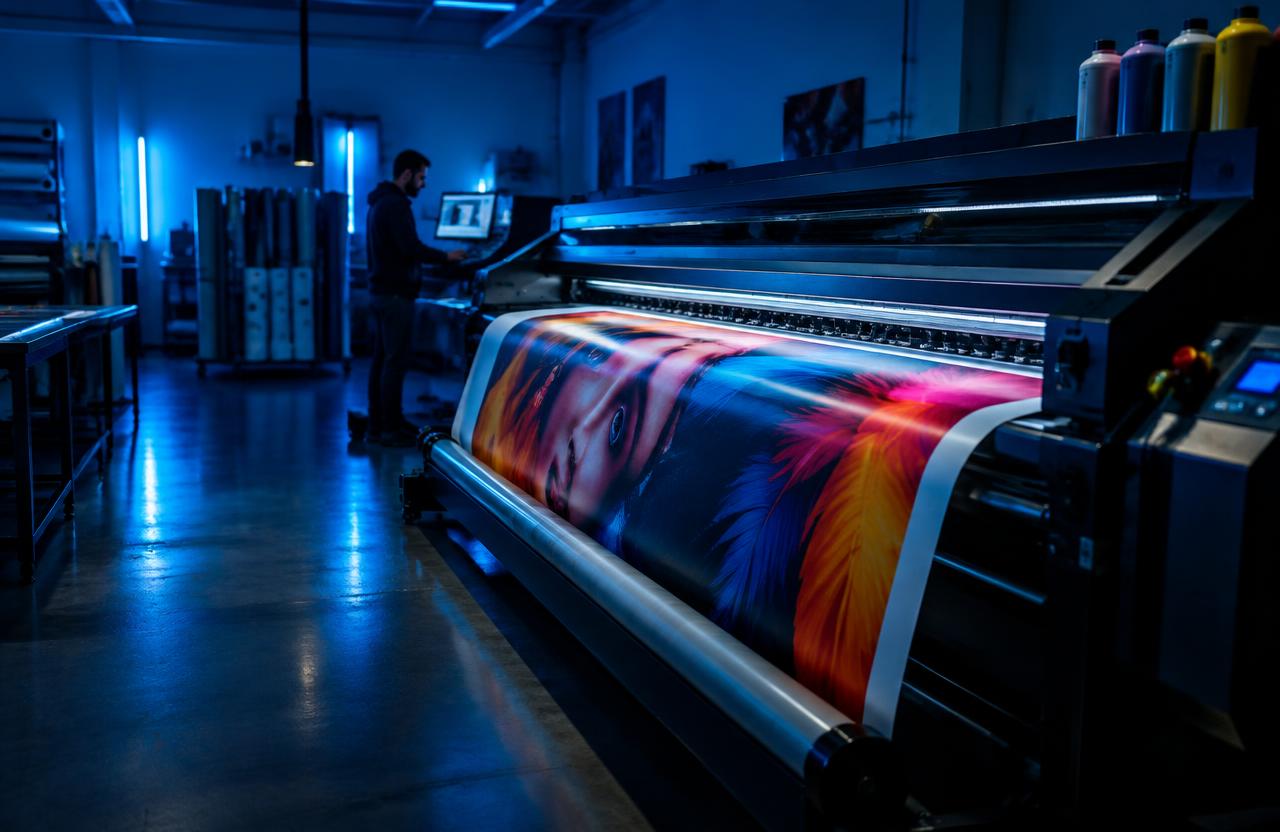
Print shop management software, from quote to finished job
ActuTrack Print
Printing & Signage
For sign shops, commercial printers and large-format producers.
ActuTrack Print is shop management software for commercial printers, large-format producers and sign shops. Customers, estimates, jobs, files and production are linked, so the details agreed in the estimate carry forward into the job.
Workflow
How work flows through ActuTrack Print
- 01Customer
- 02Estimate
- 03Approval
- 04Job
- 05Artwork
- 06Production
- 07QC
- 08Installation
Active jobs
12
Due this week
4
Open QC
2
Artwork
JOB-DEMO-014
Storefront fascia
JOB-DEMO-017
Event banners
JOB-DEMO-009
Vehicle wrap
Fabrication
JOB-DEMO-006
Channel letters
JOB-DEMO-011
ACM wayfinding
Install
JOB-DEMO-003
Pylon sign
Illustration with fictional demo data.
Available today
Modules in the Print edition
CRM and Customers
Companies, contacts, billing and site addresses in one directory.
Estimates
Professional quotes with numbering, tax, discounts and status history.
Product Catalogue
Reusable products organised into print and sign categories.
Product Configuration
Options and dimensions; area is calculated automatically for products set up with width and height.
Job Management
Approved estimates become jobs without re-entering information.
Production Board
Kanban view of every job by production stage.
Task Management
Assign, start, pause, block and complete shop-floor tasks.
Artwork and File Storage
Versioned artwork, proofs and documents attached to each job.
Photos
Progress, survey and installation photos linked to their work.
Site Surveys
Measurements, mounting surfaces and access notes captured on site.
QC
Inspection checklists with pass/fail results and re-inspection.
Installations
Scheduled installs, crews, checklists and customer sign-off.
Sign Schedules
Item-by-item tracking of what was expected, installed and verified.
Deficiency Reports
Log, assign and resolve issues found after installation.
Not yet available in Print
Advanced reports, multi-location & approvals — These are planned and not part of the current Print release.
From approved estimate to job
Once an estimate is approved, an owner, admin or manager converts it into a numbered job in one step, choosing project name, priority, due date and project manager. The configured lines carry over without retyping. Files such as artwork, customer proofs and print files keep a version history.
Illustrative example
A customer orders 200 coroplast signs at 18 × 24 in. and 3 vinyl banners. You build the estimate from catalogue products and send it. When the customer approves, a manager converts it to a job; the print file is attached with its versions, and the team moves the job through print, cut and QC.
Which plan do I need?
- Free: customers and product catalogue.
- Starter: adds estimates, jobs, files and invoicing.
- Growth: adds production board, tasks, QC, site surveys, installations, sign schedules, deficiencies, costing, inventory, purchasing, team chat and online card payments (these need the shop's own connected Stripe account).
- Professional: not yet available.
Prices are in Canadian dollars. See plans and pricing
Built for sign work, from site visit to sign-off
Sign work continues after production. On the Growth plan, ActuTrack Print keeps the site visit, installation and follow-up issues on the same job.
Site surveys
For each item, record location, width, height and depth, quantity, existing condition, mounting surface, power availability, access method, notes and photos.
Artwork and proofs
Artwork and customer proofs stay on the job with version history.
Production and QC
Production board, tasks and pass/fail inspection checklists.
Installations
Schedule date and time, set a lead installer and crew, follow checklists from templates and record customer sign-off with name, date and signature.
Sign schedules
Track each sign item as installed, verified, missing, damaged, incorrect or needing rework. Add items one by one or import a CSV.
Deficiencies
Log issues by category, location and priority, assign an owner and due date, and track them from open to resolved and verified.
Illustrative example
A plaza needs 12 storefront fascia signs. A surveyor records each storefront's size, wall type and photos, and the sign schedule is imported from a CSV. Before final sign-off, the crew finds one panel with a damaged edge, marks that item damaged and logs a deficiency. The repair is recorded as a separate step when it is done, and the customer signs off on the installation.
Site surveys, installations, sign schedules and deficiencies need the Growth plan. Starter covers estimates, jobs and files. See plans and pricing
Questions
- Who is ActuTrack Print for?
- Sign shops, commercial printers and large-format producers.
- Do I retype the estimate to start a job?
- No. After approval, an owner, admin or manager converts it in one step, and the configured lines and pricing are copied into the new job.
- Does it handle sign installations?
- Yes, on Growth: scheduling, crew, checklists and customer sign-off.
- Can I import a sign schedule?
- Yes, from a CSV file, on Growth.
- Can I look around first?
- Yes. The guided demo uses fictional, read-only sample data with no account needed, and the Free plan lets you set up customers and products.
See ActuTrack Print for yourself
The guided demo shows fictional, read-only sample data.
Shared platform
Built on the ActuTrack core
Every edition shares the same customer, quoting, job and team foundation.
Other editions
Explore more industries

ActuTrack Furniture
Furniture & Millwork
For cabinet makers, millwork and custom furniture manufacturers.
See what’s planned
ActuTrack Fabrication
Metal Fabrication
For metal fabrication, machining and welding shops.
See what’s planned
ActuTrack Manufacturing
Manufacturing
For discrete and make-to-order manufacturers.
See what’s planned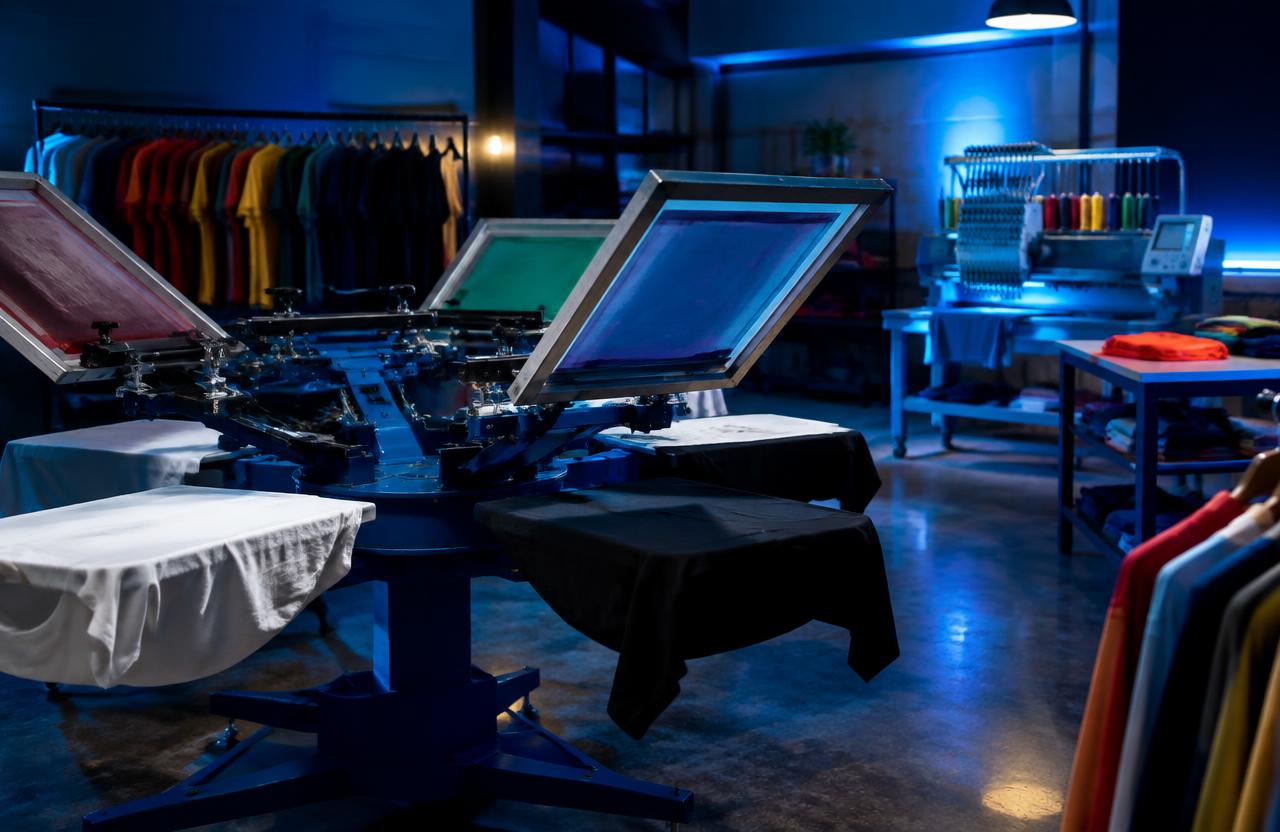
ActuTrack Apparel
Apparel Decoration
For screen printers, embroiderers and apparel decorators.
See what’s planned